


Contact
Adopt run · 20 devices

Delivery day · 00 of 20 adopted

TP Link Omada Singapore

Twenty boxes land on a Monday. Somebody has to adopt each one, put it on the right VLAN, push firmware and write down which port feeds which room — before the office opens on Wednesday.

Rezolva has designed, supplied, installed and managed tp link omada networks for Singapore offices, shops and small chains since 2012. This page is the part nobody quotes for: the adoption run, and the controller decision behind it.

Pre-staged, then adoptedConfigured before it ships
VLANs written downGuest, POS, cameras, staff apart
SG team since 2012One hotline, one set of engineers
Site · pending devices00 / 20 connected
01Internet gatewayComms room · rack U1
02PoE switch, 24-portComms room · rack U4
03PoE switch, 8-portLevel 2 riser cupboard
04Ceiling access pointLevel 2 open plan, north
05Ceiling access pointLevel 3 east, near the pantry
06Wall-plate access pointMeeting room 4
07Outdoor access pointLoading bay, sheltered
08Hardware controllerComms room · rack U12
Twelve more are queued. Adopt one, or run the whole site.
25 devicesTP-Link’s published OC200 management capacity.TP-Link OC200 page
500 / 100 / 100OC300: access points, gateways, maximum 100 switches.TP-Link OC300 page
1,000 / 100 / 200OC400: access points, gateways, maximum 200 switches.TP-Link OC400 page
Since 2012Singapore engineers, survey to labelled handover pack.Rezolva
Adopting04 / 20 ADOPTED
Delivery day

How a tp link omada rollout is actually adopted, box by box

Adoption decides whether the estate is manageable a year later. Done properly it is boring; done on the floor with people waiting, it is why nobody remembers which access point serves meeting room 4. An omada tp link estate that skipped this step still works; it just cannot be changed without a site visit.

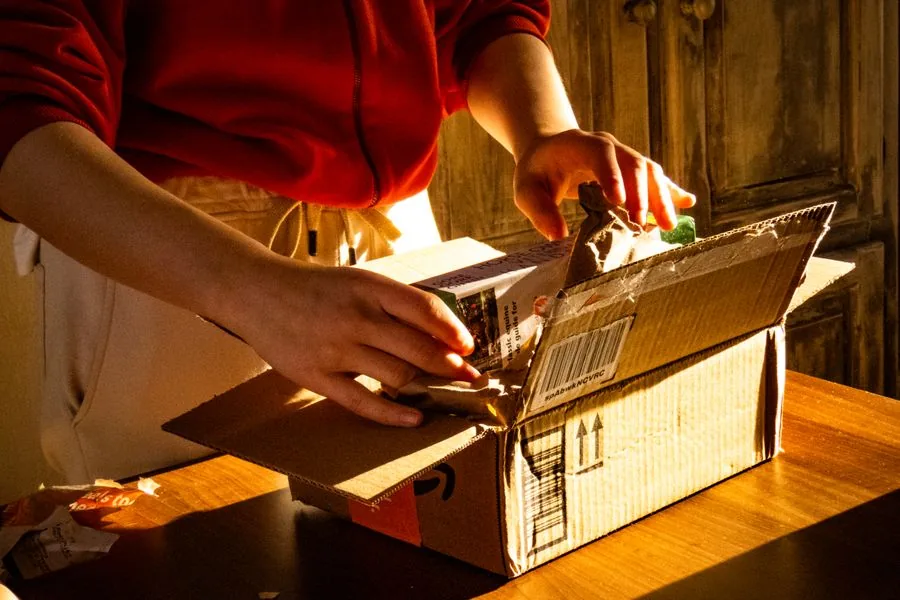
Cartons opened on a desk as new network hardware is counted in on delivery day
Step 01

Count it in

Every unit booked against the design: serial, model, destination room. A device with no destination is adopted twice, labelled never.
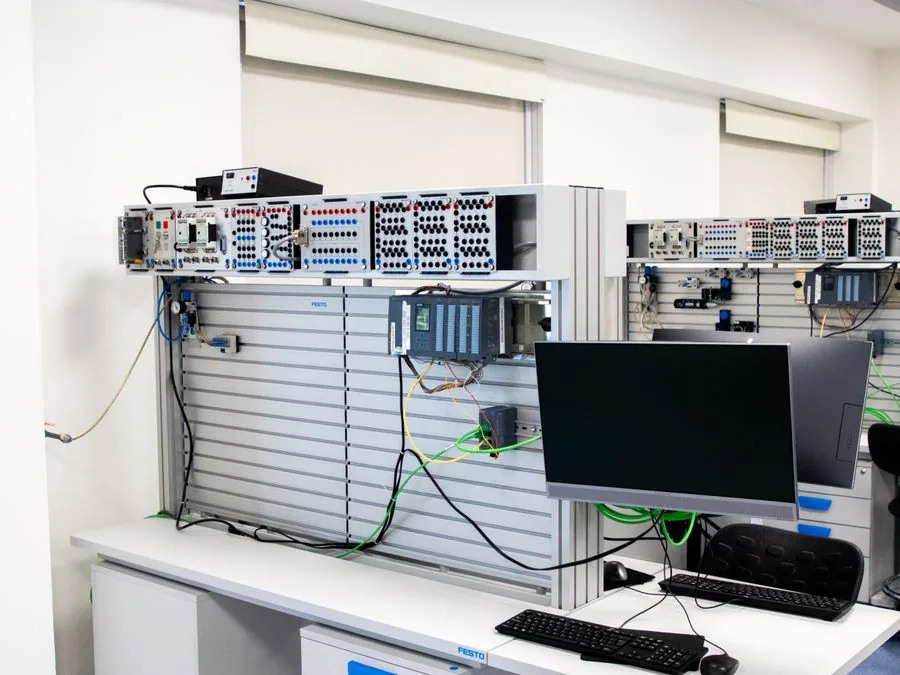
Wall-mounted comms panel with patched links and a staging monitor in a small equipment room
Step 02

Pre-stage, then adopt

TP-Link’s zero-touch provisioning adds a device by its key and pre-configures it remotely, so most adoption happens on our bench.
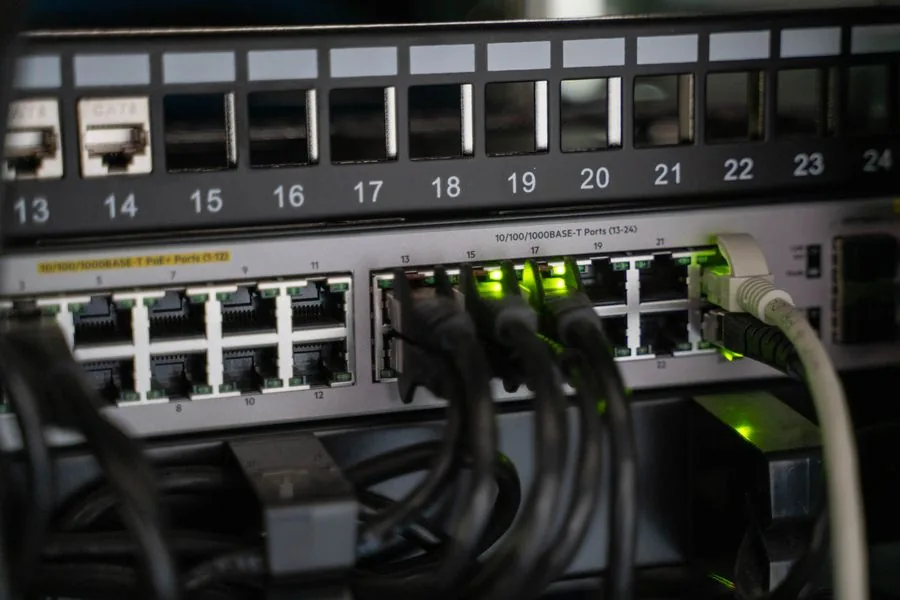
Rack-mounted managed switch with numbered ports and link lights in an office comms room
Step 03

Bind the site template

Site and device templates are created once and bound to the site, so configuration synchronises.
Two colleagues reviewing a network plan on a laptop before an office fit-out
Step 04

VLANs and SSIDs

Guest wireless, point of sale, cameras and staff separated before anything is switched on. No VLAN plan means no segmentation.
Engineer and office manager signing off a network handover pack in a meeting area
Step 05

Firmware, then handover

Batch firmware from the controller, every port labelled to a room, the as-built list.
Adopting07 / 20 ADOPTED
The one hard decision

Choosing an omada controller: hardware, software or cloud

The only choice on this page that is expensive to reverse: it is tied to how many sites you run, how many devices you will own, and who logs in.

In every case the omada controller manages configuration, not traffic, so the network keeps forwarding if it disappears.

ControllerRuns onPublished device capacityWhere it fits
Software controllerFree on-premises installA Windows or Linux machine you own and keep awake[NEEDS VERIFICATION: TP-Link official spec]One site with in-house IT who will patch and back up the host
OC200Hardware applianceItself — 802.3af/at PoE or micro-USB, fanless, two gigabit portsRecommended for managing 25 Omada devicesA single office, shop or restaurant, controller solved once
OC300Hardware applianceItself — rack or desktop, USB auto-backup500 access points, 100 gateways, maximum 100 switchesA larger site or a small chain run from head office
OC400Hardware applianceItself — rack mount1,000 access points, 100 gateways, maximum 200 switchesMulti-floor campuses and estates that keep growing
Cloud-based controllerCloud Essentials or Cloud StandardTP-Link’s cloud — no appliance, devices adopt over the internetDescribed as unlimited devices across one or many sitesMulti-outlet retail, F&B and hospitality
Capacity figures quoted from TP-Link’s own product pages, read 4 September 2026: OC200 · OC300 · OC400 · cloud-based controller. TP-Link states the figures come from laboratory testing and that real capacity varies with the deployment. The software controller’s ceiling is not published on the page we read, so it stays marked for verification rather than guessed.

The software controller is a free download and Cloud Essentials is listed as lifetime free cloud management; you pay for hardware, plus Cloud Standard for MSP mode. An omada controller can cost nothing on a small site and still needs an owner. Budget an omada tp-link estate on the hardware and the hours, because the licence line is the small one.

We specify the appliance for one site: powered over Ethernet from the switch already there, no operating system to forget. Cloud is for chains, where a branch nobody visits has to stay reachable. Whichever omada controller you land on, write down the estate it will manage first.

Green patch leads landing in a labelled comms-room panel above a rack
The appliance is the boring answer
Powered over Ethernet from the switch already there, fanless, no host operating system.
Adopting11 / 20 ADOPTED
Wireless

TP-Link Omada access point formats, by ceiling and by room

The wrong physical format costs more than the wrong Wi-Fi generation: format decides the cabling, and cabling decides what changes later.

Every tp-link omada access point below is fed over Ethernet, so the switch budget and the cable category are one decision. A tp link omada access point is only as good as its drop.

FormatWhere it goesTypical briefWhat decides it
Ceiling mountAccessible grid, or a slab bracketOpen-plan offices, restaurant floors, retailOne drop per position, two if the ceiling closes after fit-out
Wall plateReplaces an existing outlet inside the roomHotel rooms, serviced offices, dormitoriesReuses the room’s data point; add a port for wired devices
Desktop or compactOn a shelf or behind a counterSmall shops, temporary sites, back officesCheapest to deploy, worst placement — a stopgap
OutdoorSheltered external walls and covered walkwaysCar parks, yards, alfresco diningSurge protection on any run leaving the building
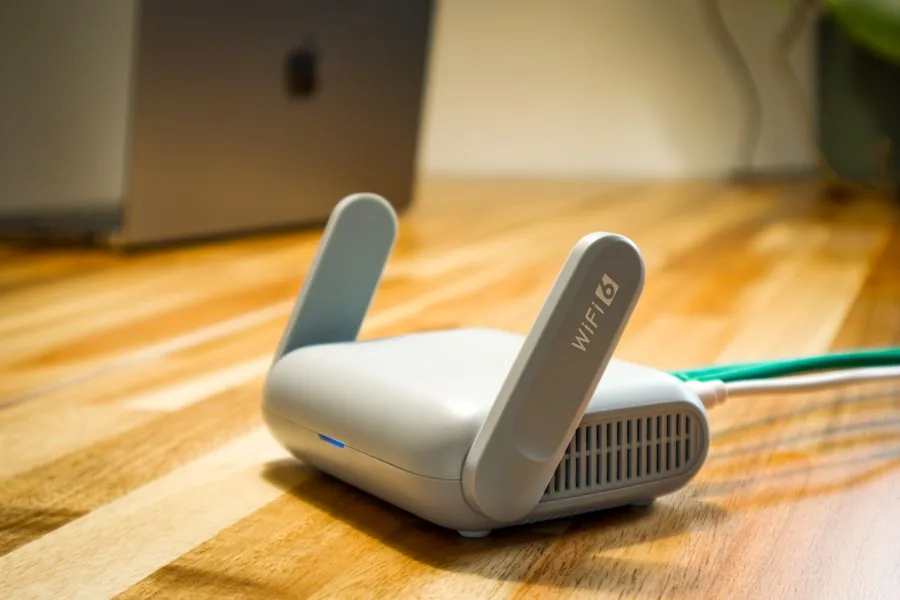
Compact white wireless access point with a green patch lead on a timber desk
Format first, generation secondMount → cable → radio

Wi-Fi 6 covers almost every SME brief we survey in Singapore. A Wi-Fi 7 tp link omada access point earns its premium in dense venues, but only on a multi-gig uplink: a tri-band radio on a one-gigabit port is throttled first. The order for every tp-link omada access point is mount, cable, radio.

On the wrong mountA tp-link omada access point on the wrong mount is a survey problem.

Multi-level property atrium with guest rooms opening onto walkways
One room, one unit, one adoptionTwenty rooms → twenty adoptions

A wall-plate tp link omada access point in a hotel room is a per-room decision: twenty rooms, twenty adoptions. On a refurbishment the existing data point usually carries it, and each tp link omada access point is one more line on the run.

On a propertyOn a property the room count is the device count — hospitality is the clearest case.

Most shop units up to roughly 200 square metres take one or two units, but the number is set by the wall build, the ceiling material and how many devices are awake during service. Stainless-steel kitchens, mezzanines and glass shopfronts change it, so we survey before quoting a tp-link omada access point count.

Adopting14 / 20 ADOPTED
Wired

Which tp link omada switch the floor actually needs

Two numbers size a switch, and port count is only one. The other is the power budget, shared across access points, cameras, door readers and phones — and it runs out before the ports do.

SiteSwitch shapePower budget to plan forWhy
Shop or cafe, 1–2 access points8-port PoE, desktop or wall60–80 WTwo access points and a camera fit; fanless matters in a customer-facing room
Office, 3–6 access points24-port PoE, rack mountedaround 180 WDesks, access points and a few cameras on one switch
Two floors, or a heavy camera loadTwo 24-port, or one 48-port PoE380–500 WCameras alone can consume more than the wireless — split the load
Backbone between racksAggregation switch with fibre uplinksnot applicableCopper stops at 100 m; fibre carries the riser

A managed tp link omada switch is where the VLANs live. Guest wireless, point of sale, cameras and staff traffic are separated on the switch or not at all, whatever the wireless configuration claims — the most common gap we find on a takeover. On an omada tp link estate that separation is written once into the site settings and inherited by every switch adopted afterwards.

Size the power budget for the estate you will own, not the box you have today. A floor getting four cameras next quarter needs those watts now, or a second tp link omada switch bought in a hurry. We plan a third of headroom, and every tp link omada switch we quote carries it on the drawing.

Uplinks are checked last and hurt first. A tp link omada switch feeding six Wi-Fi 6 access points on one gigabit uplink is a bottleneck you built, so we specify the uplink with the access point count. The same check applies at the edge: a tp-link omada router with a one-gigabit WAN port caps everything leaving the floor, whatever the switch underneath can carry.

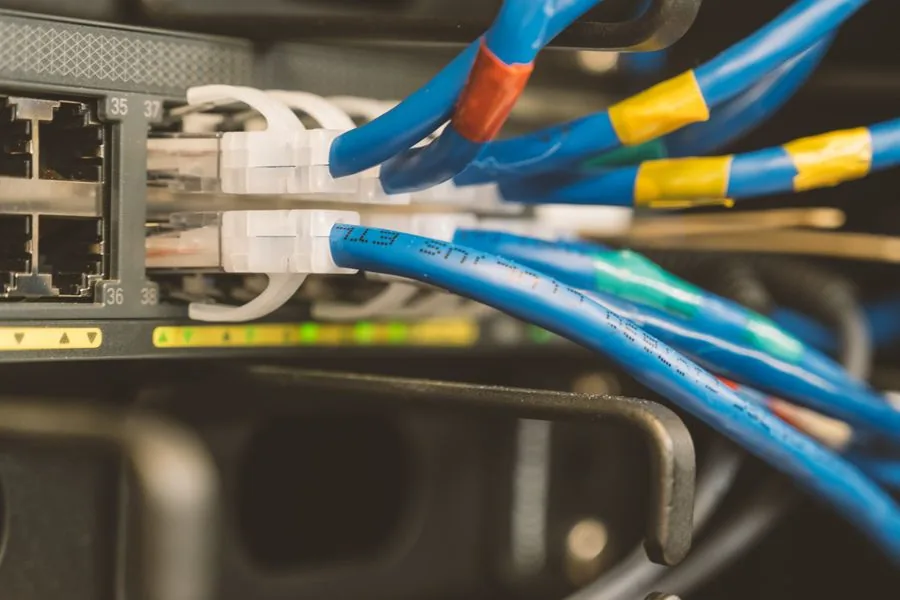
Blue and yellow patch leads landing in the front ports of a managed PoE switch
Ports are cheap, watts are not
A tp link omada switch shares one power budget across cameras, readers, phones and wireless.
Adopting16 / 20 ADOPTED
The edge

TP Link Omada router and gateway choices at the edge

The gateway sits between your network and the internet: most likely inherited, and its firmware most needs to be current.

BriefGateway shapeWhat it buys you
Single site, one fibre lineEntry wired gatewayFirewall, VLAN routing and controller adoption — for a small office that can tolerate an outage
A site that cannot go offlineDual-WAN gatewayA second line on failover, so card terminals keep trading when the primary drops
Several branchesMulti-gig gateway with VPNSite-to-site links between branches, with headroom to keep inspection on at line rate

Two notes about a tp link omada router at the edge. Dual WAN is only failover if the second line follows a different carrier path: two services through the same riser fail together. And its firmware must never sit two years out of date. A tp link omada router honours neither unless somebody configured it.

A tp-link omada router also carries the site-to-site VPN on a small chain, cheaper than a managed WAN service. TP-Link’s newer controllers add a multi-site connectivity mode needing gateways that support it, so the model is chosen with the branch plan — a tp link omada router picked that way survives the second branch.

We replace an inherited tp-link omada router only for a reason: end of support, a WAN requirement it cannot meet, or a throughput ceiling under inspection. Otherwise we adopt it and bring the firmware current — a tp link omada router bought by the client is adopted, not rejected.

One last check on a tp-link omada router: was the WAN handover tested under load? A failover never proven is a line item, not a safeguard.

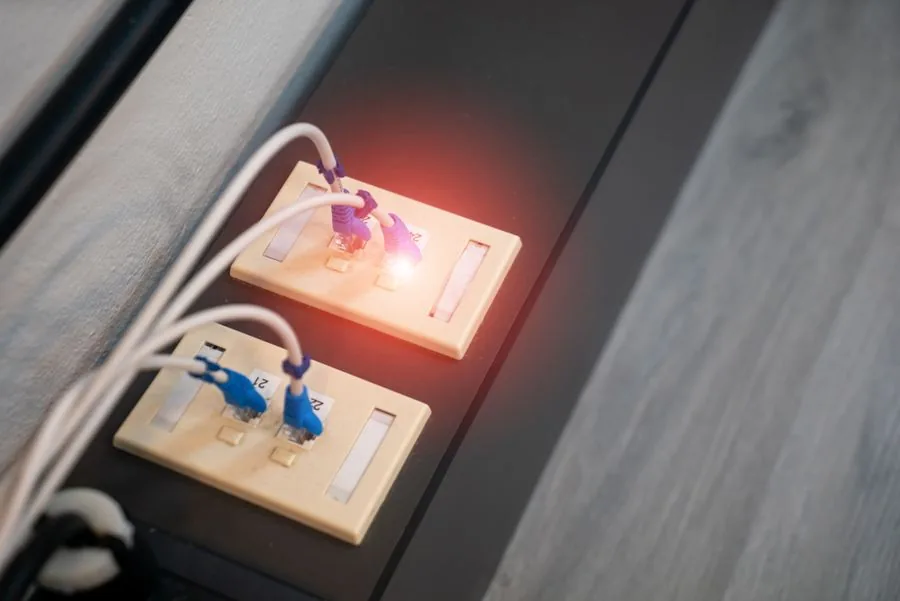
Wall data outlet with two patch leads, one port showing a lit link indicator
The edge is where the firmware matters
A tp-link omada router is internet-facing and usually inherited, so its firmware cannot drift.
Adopting18 / 20 ADOPTED
Where it fits

Where an Omada TP Link estate earns its place

We specify this platform when the money is better spent on more access points than fewer, dearer ones, and the estate is many small sites.

The briefs below are where an omada tp link design wins on merit, not price. An omada tp link build stays a value play only while the design underneath is right.

Bright retail interior with a service counter and shelved display units
Multi-outlet retail

Identical at every outlet

One frozen template, central firmware, head-office visibility of a branch gone dark. The Omada TP Link cloud tier exists for this estate.
Colleagues working at desks beside a window in a modern Singapore office
SME office

Configured once, then left alone

One appliance controller, a 24-port switch, three or four access points — where an omada tp-link estate is cheapest over five years.
Three colleagues reviewing a rollout plan together at an office table
Small chains

Branch two is a copy

The first site is a project; every site after is a template. That is the argument for an omada tp link platform, if branch one was documented.
Hotels and serviced suites. One wall-plate unit per room, rate limiting per guest, one console for the property.
Restaurants and cafes. Point of sale, ordering tablets and guest wireless separated, with a gateway that fails over.
Small chains. The second site onwards is a template, not a project.
Where we would not use it. If you want cameras, door access, phones and networking in one deeply integrated console, UniFi is the better fit and we will say so.
Adopting19 / 20 ADOPTED
Self-check

Size an omada tp-link estate before you buy the controller

Count everything the controller manages: gateways, switches and access points sit under the same ceiling. TP-Link publishes controller capacity per device type, so a tp-link omada access point, a switch and a gateway each spend one slot against the tier you buy.

Step the number and the band shows which tier your omada tp-link estate lands in against TP-Link’s figures. Sizing an omada tp-link estate on today’s device count is how you outgrow a controller.

20 Omada devices under one controller: gateways, switches and access points together.
Connected20 / 20 ADOPTED
Related

One estate, three decisions that sit next to this one

The platform is the middle decision. The cable underneath and the support around it decide whether the estate is manageable in year three.

Connected20 / 20 ADOPTED
FAQ

Straight answers about tp link omada in Singapore

TP-Link publishes the Omada Software Controller as a free on-premises controller for a Windows or Linux machine you already own, and Omada Cloud Essentials as lifetime free cloud management. The paid parts are the hardware — gateways, switches, access points, an OC-series appliance — plus Cloud Standard for MSP mode, IPS/IDS and expanded VPN. The software can cost nothing; the network cannot.

TP-Link’s business networking line plus the controller that manages it, so gateways, switches and access points are configured once and run as one estate. A Singapore SME picks tp link omada for the second site: once a template exists, the next branch is a copy.

For most single offices the hardware appliance, because it removes the host machine. TP-Link publishes the OC200 as recommended for managing 25 Omada devices, which covers an ordinary floor of access points, a couple of switches and a gateway. Choose the software controller only if you already run an always-on server.

No. The controller manages configuration, not traffic, so the gateway, switches and access points keep forwarding on their last known settings. What stops is central management: the dashboard, guest-portal logins, device adoption and batch firmware. That is why an omada controller on a sleeping laptop is a bad design.

TP-Link publishes the figures per device type. The OC200 is recommended for managing 25 Omada devices; the OC300 lists 500 access points, 100 gateways and a maximum of 100 switches; the OC400 lists 1,000 access points, 100 gateways and a maximum of 200 switches; the cloud controller is described as unlimited devices across one or many sites. TP-Link notes the stated capacity comes from laboratory testing.

We deploy both. Many small sites on a hard capital budget point to the omada tp-link route: lower cost per access point, and a cloud tier built for estates nobody visits. One growing site that will want cameras, door access and phones on one console points to UniFi — compared on our Ubiquiti Singapore page.

No. We resell this hardware, and we design, install and manage the network around it. We are not a distributor and we do not run a shopfront. If your procurement requires an authorised supply chain, buy the hardware that way and bring us in for design, installation and management.

On a site whose cabling has been tested the adoption is the short part: devices are pre-staged against a template before they leave us, so the on-site window is mounting, patching and verification. The day runs long when the cabling was never certified, the PoE budget was sized for today, or nobody wrote down which port feeds which room.

Adopt all · 20 of 20

Book the adoption run for your site

Send the floor plan and the device list — or just the number of rooms — and you get the controller tier, the access point count, the power budget and the VLAN plan in writing.